
Facility Reservations
Reserve in advance to use a space exclusively for an event or class. Students, faculty, staff and visitors from outside the university can apply.
01
Check availability
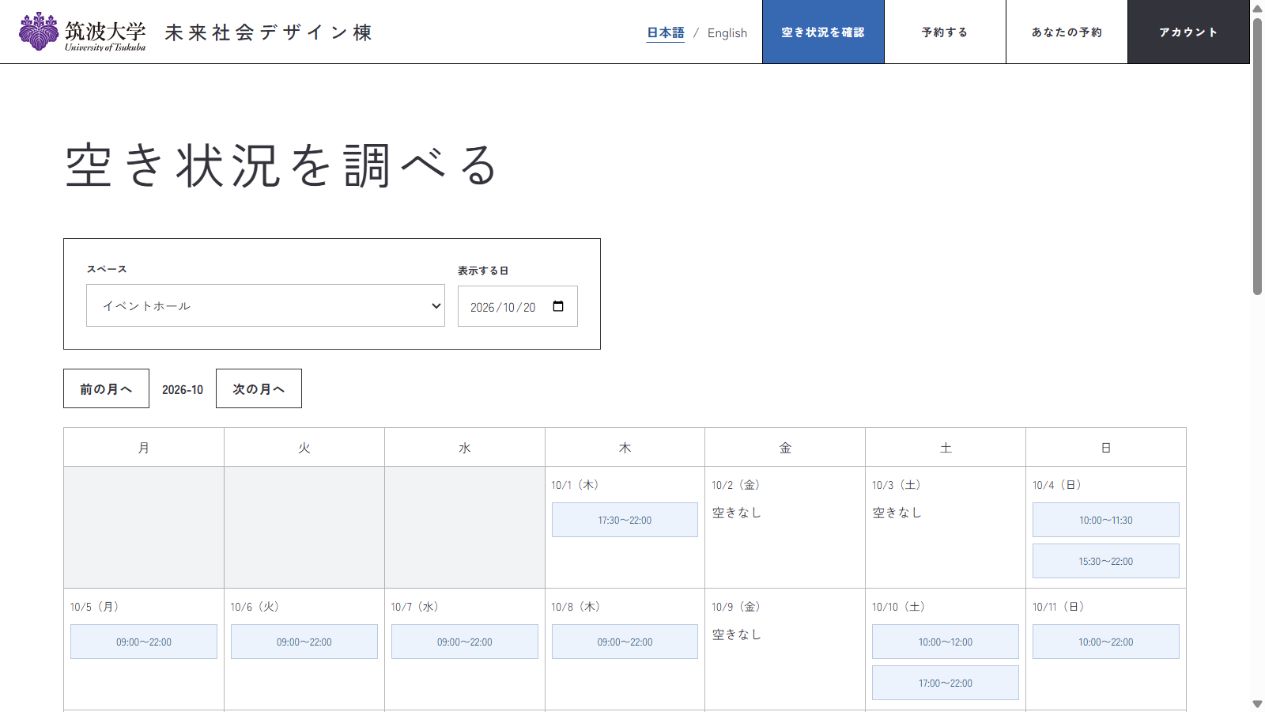
Open Check availability in the reservation system and choose a space and date. Select an available time to proceed to a reservation.
You can check availability without signing in.
02
Apply for a reservation
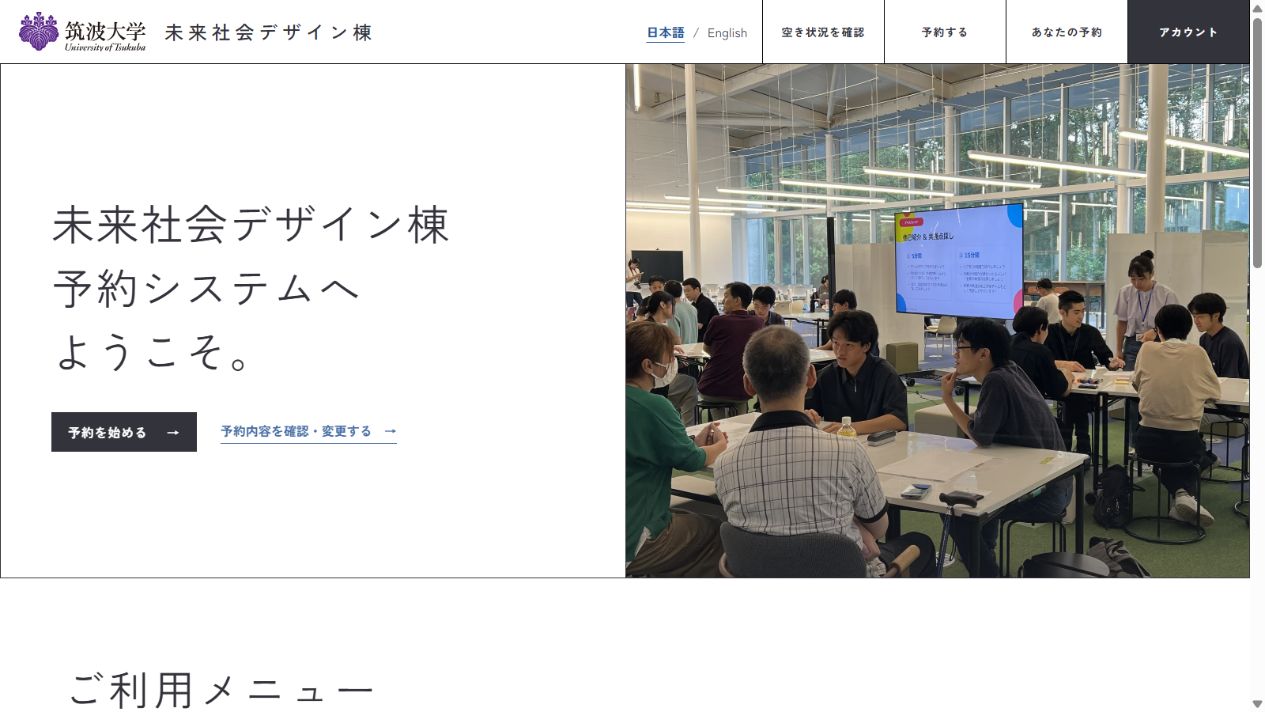
You can also select Start a reservation on the system’s home page. First-time users need to create an account. Sign in, then enter your dates, spaces and event details.
The facility will review your application. Use View or change reservations on the home page to check its status or make changes.
Please read the user guide and facility regulations before applying.
Using equipment
See the equipment list for available items and quantities. Book equipment under Your reservations from three months before your visit.
Need an estimate?
Check the fees for your planned visit and download a PDF estimate for university procedures or other paperwork.